
Most organizations do not digitize their workflows. They digitize their problems. The same delays remain, only now they sit behind logins, tickets and integrations.
Digitization makes a bad workflow harder to change
Before a tool goes live, a workflow can still be changed in a single meeting. Afterwards it comes with permissions, tickets, integrations and dependencies. The underlying problem is the same as before, but it now runs faster and is expensive to touch.
That is why many teams report that processes feel more complex after digitization, although simplification was the goal.
Tool stacking turns local fixes into fragmentation
When a workflow struggles, the reflex is to add a tool instead of redesigning the process. Tasks go into one system, documents into another, approvals into a third, reporting into a fourth. Each tool solves a small problem and looks reasonable on its own. Together they split the workflow across systems. Context gets lost at every interface. Responsibility blurs because no system shows the full picture. When something breaks, work stalls in several places at once.
Leadership eventually consolidates tools or cuts licenses. The landscape becomes tidier, the workflow stays the same, and so do the delays.
Activity metrics hide whether the workflow works
Tickets created, tasks closed, documents approved, dashboards refreshed. These numbers describe how work is handled, not whether it produces the intended result.
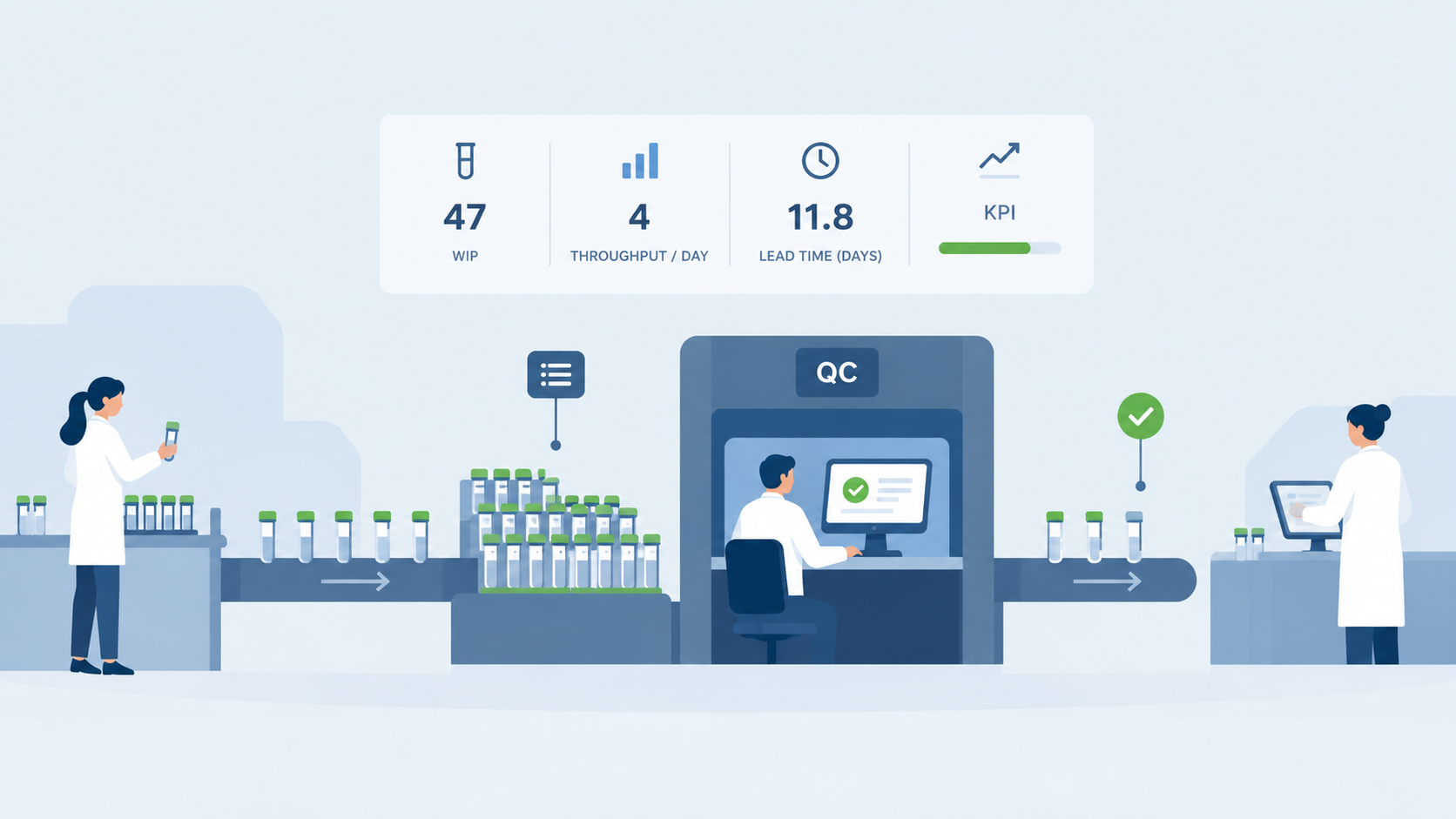
Little’s Law shows the gap. Lead time equals work in progress divided by throughput. A lab with 47 samples in progress and a throughput of 4 per day has a lead time of almost 12 days. Start twice as many samples in parallel and lead time doubles to almost 24 days. Every activity metric still looks good.
Software does not fix workflows. It amplifies them.
Tools that set the rules end up designing the process
Microsoft environments show how this happens. Teams files are tied to SharePoint structures, and deletion and recovery follow SharePoint retention rules. Large lists run into the 5,000 item view threshold in SharePoint Online. These are not edge cases. They are structural properties of the system.
If the workflow is designed around the tool, such limits surface only after go live. Then the workarounds begin: another tool to bridge a gap, a special rule for every exception. Over time the workflow turns into a digital junk system that nobody fully understands and nobody dares to change.
Design the workflow first, then decide what software does
Start with the outcome and define how success is measured. Reduce the process to the minimum number of steps that produces it. Test that version.
Only then does it become clear where software helps. Some steps turn out to be unnecessary. Others should be automated. And some exist only because an earlier failure forced the team into compensating work. Those need redesign, not digitization.
Software supports a workflow that works. It cannot repair one that does not.
q_alizer Perspective: make the flow visible first
q_alizer starts with flow, not with tools. The Management Hub shows how batches enter the system, how they progress, where they wait and where queues build up. The Operational Hub connects batch release, QC, deviations, CAPAs, change requests and planning in one system. The Personal Hub gives each team member their open tasks and priorities.
Work in progress is visible and can be controlled, so teams stop starting more than they can finish. The metrics are cycle time, throughput, queue size and bottlenecks, not tasks completed. q_alizer reads from your LIMS, QMS, MES and ERP and never writes back. Nothing is replaced and no revalidation is triggered. Your existing systems stay the systems of record.
Design the workflow first. Software multiplies whatever you give it.